Plans Sign In Register
DMJBot Logo

Your own AI assistant. Yours for life.

The AI assistant that quietly handles your daily routine — and grows with you

Not another chatbot you have to babysit. DMJBot takes initiative — it watches, remembers, and does your everyday digital work on its own: email, files, research, reminders.

And it’s truly yours — your memory, your data, your rules. Run it in minutes, keep it for years.

What you can do with DMJBot

One assistant, countless jobs. Pick a track below to see examples — just tell it what you want in plain language.

Hand off the daily routine — email, ideas, errands and briefings.

Email

Inbox on autopilot

Triage, label, and auto-reply to email by rules you describe in plain words — no filters to wire up.

Just say:

If an email replies to a job post and has a CV attached, save it to my 'CVs' folder. If there's no attachment, reply asking for one.

Works with:GmailOutlook

…and the list keeps growing. DMJBot adapts to whatever you need next.

Up and Running in Minutes

DMJBot runs as a single Docker container on your own machine or server. Free, no account required.

Quick start
docker run -d \
  --name dmjbot \
  -p 8080:80 \
  -v dmjbot-data:/data \
  dmjbot/dmjbot:latest
Don't want to install it yourself?Or we can install it for you
1

Run the container

Install Docker, then start DMJBot with the command below. Your data is kept in the dmjbot-data volume.

2

Open the web UI

Browse to http://localhost:8080 and finish the first-run setup (bot name and timezone).

3

Add your model API key

In Settings, pick your LLM provider and paste your API key. DMJBot talks to the provider directly.

4

Start chatting

Tell DMJBot what to do in plain language. Set up assignments so it acts automatically when events happen.

5

Connect tools & devices

Add MCP servers and install the Bridge on your machines to give DMJBot access to your files, drives and apps.

6

Add agents and projects

Group work into projects with their own tools and files, and add specialized agents your assistant can delegate to.

Want the full walkthrough — HTTPS, databases, bridges and more?

Read the Installation Guide

Don't want to run a server?

…or let us host DMJBot for you

Self-hosting is free and always will be. But if you'd rather skip the setup, we'll run DMJBot for you in the cloud — always on for background tasks and scheduled work, on your own subdomain, kept up to date automatically. You still bring your own model key; we just handle the hosting.

  • Always on
  • Your own subdomain
  • Automatic updates
  • Your keys, your data

Take DMJBot With You

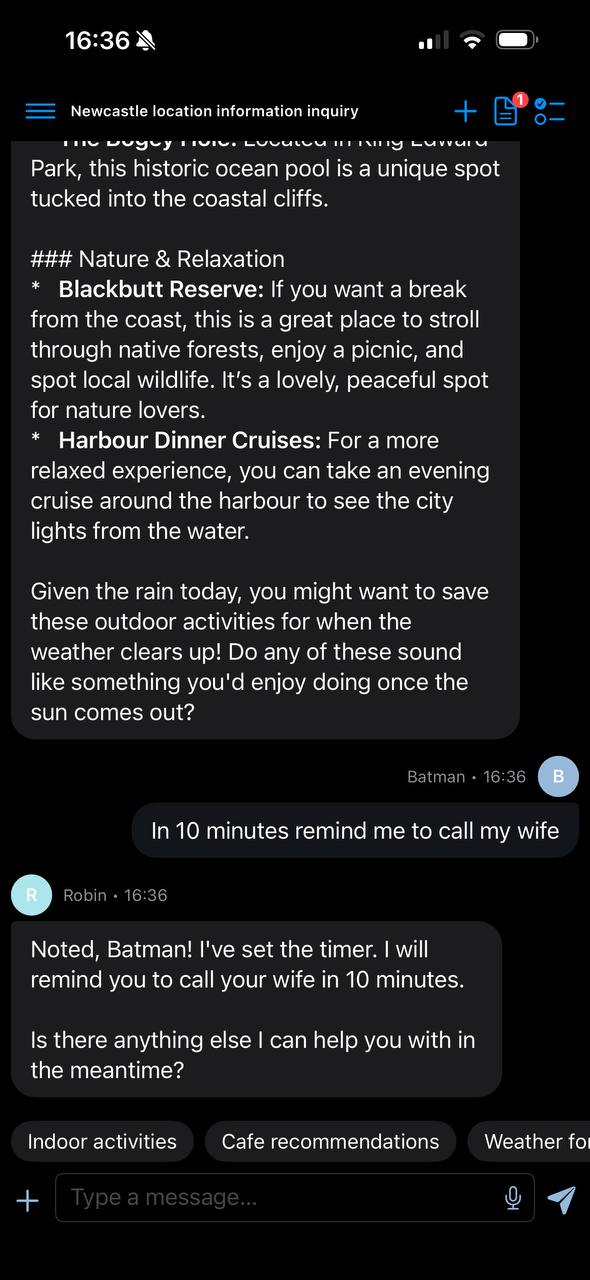
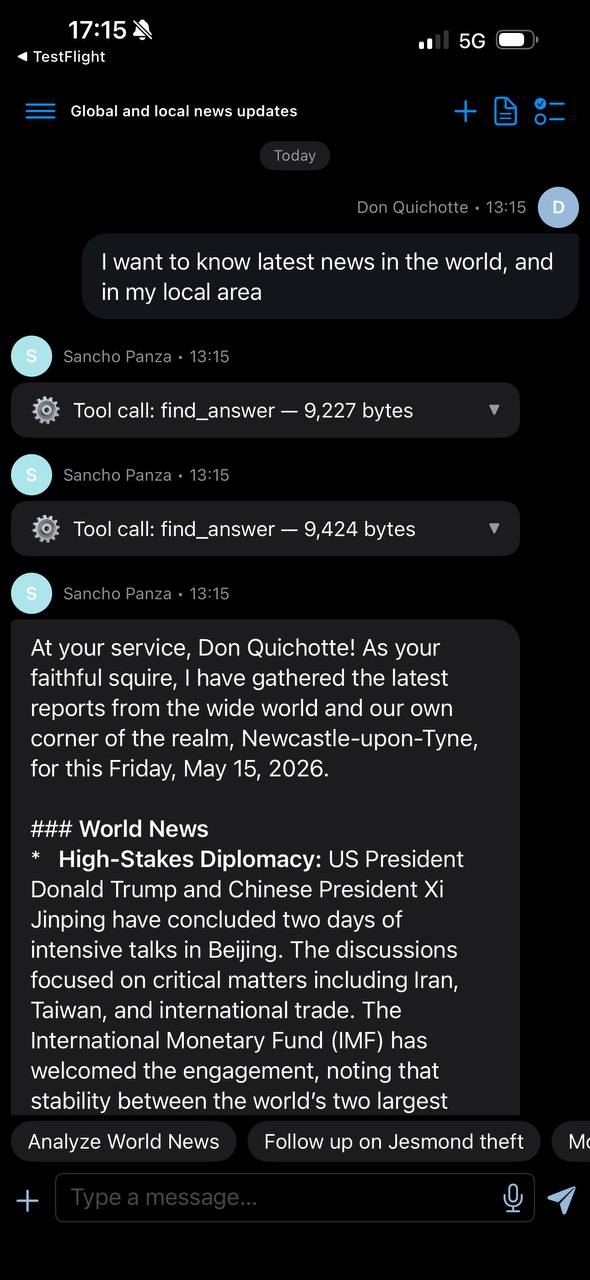
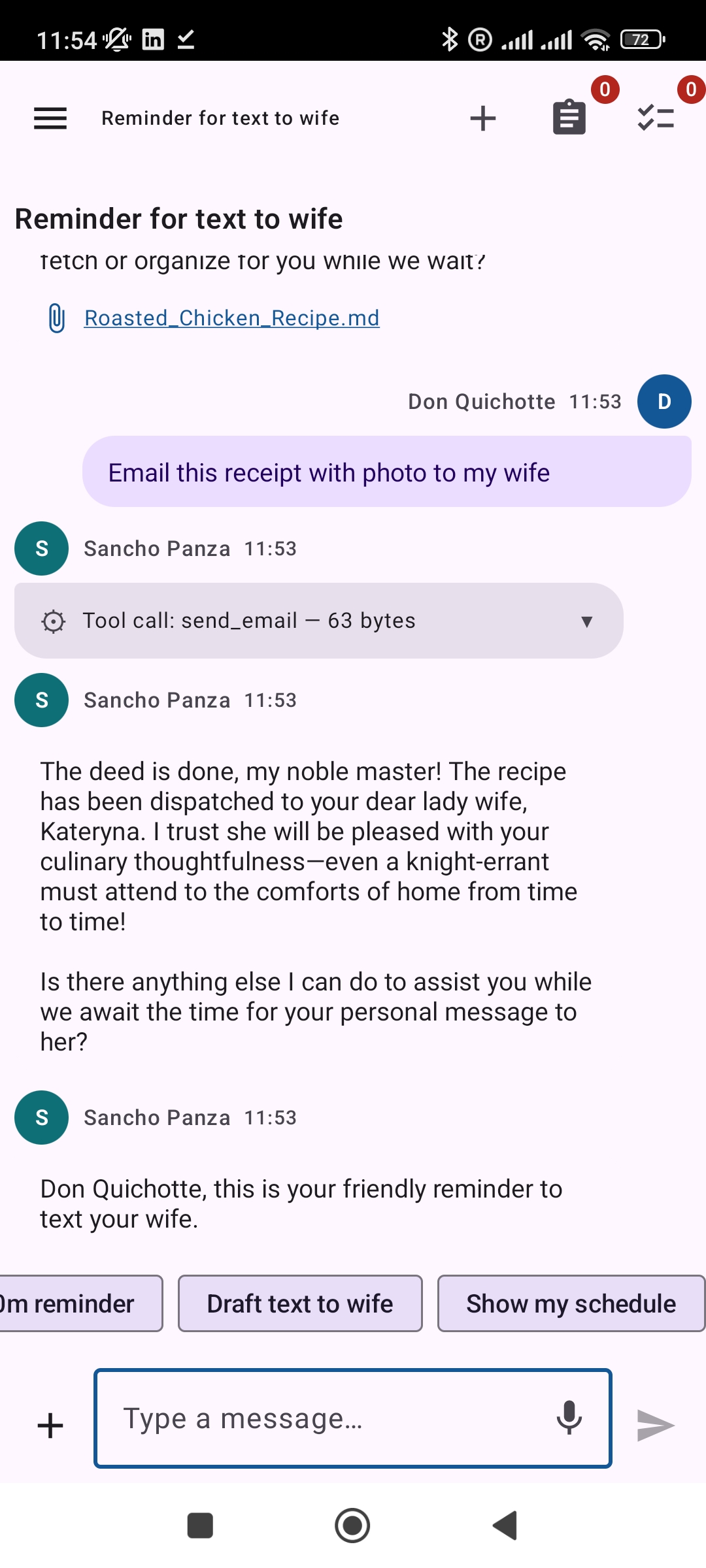
Chat with your assistant, track running tasks, and get notified — right from your phone.

Host DMJBot in the cloud and it's always on — reachable any time from the mobile app. Your AI buddy quietly runs everything in the background; you just steer it from your pocket, wherever you are.

DMJBot iOS app chat screen
DMJBot Android app chat screen
DMJBot iOS app sessions screen
DMJBot Android app notifications screen

Most AI tools are passive. Yours shouldn’t be.

ChatGPT and coding assistants only work while you sit in front of them, asking. Step away and they stop. DMJBot takes initiative — you tell it once, in plain language, how to handle the situations you care about, and it acts on its own when they happen.

That’s why we built DMJBot — “Do My Job Bot” — a personal AI assistant that becomes the single interface to everything you do on a computer, and stays yours for years.

Get in Touch

Have a question or want to learn more? Send us a message.